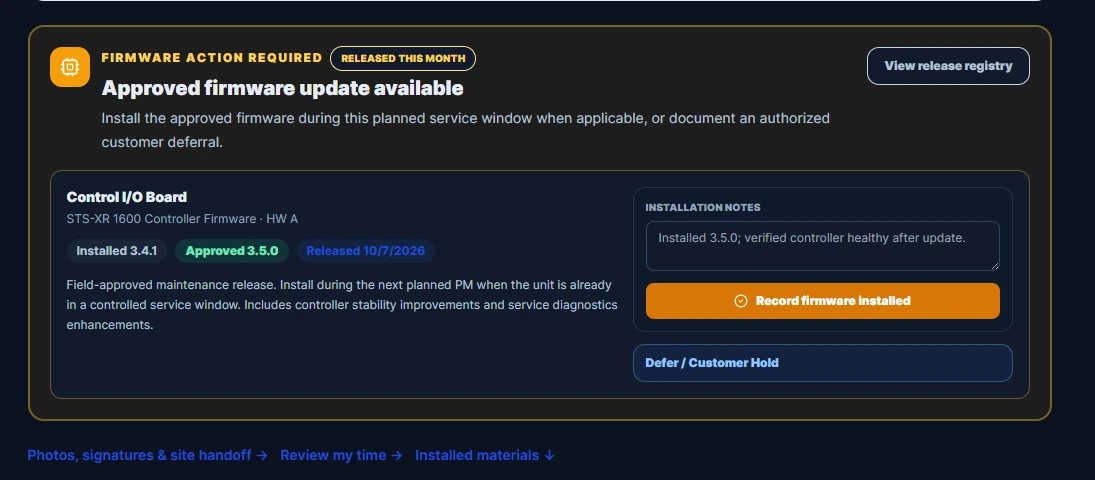
Platform overview
One job across
every team.
Follow a customer’s equipment choice from the proposal to the crew on site. Each team picks up the specifications and service scope the last team approved.
Sales & engineering
Quote the equipment the customer chose.
Give Engineering a variant to review and Sales an approved specification to price. Carry the accepted quote, purchase order, and purchased services into Order Entry.
Explore the configurator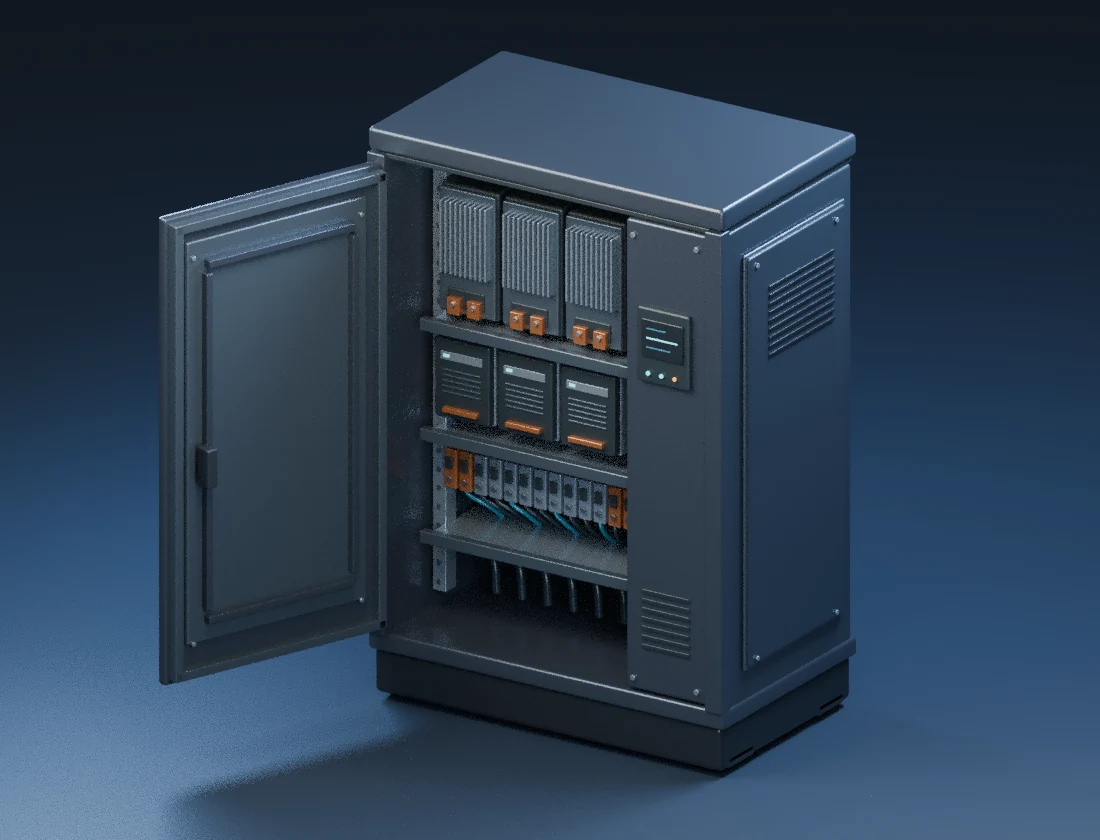
Dispatch & scheduling
Match the work
to the crew.
Give dispatchers a view of the site, required skills, and crew availability. When an equipment option calls for specialized training, use that requirement in the assignment.
Try the crew example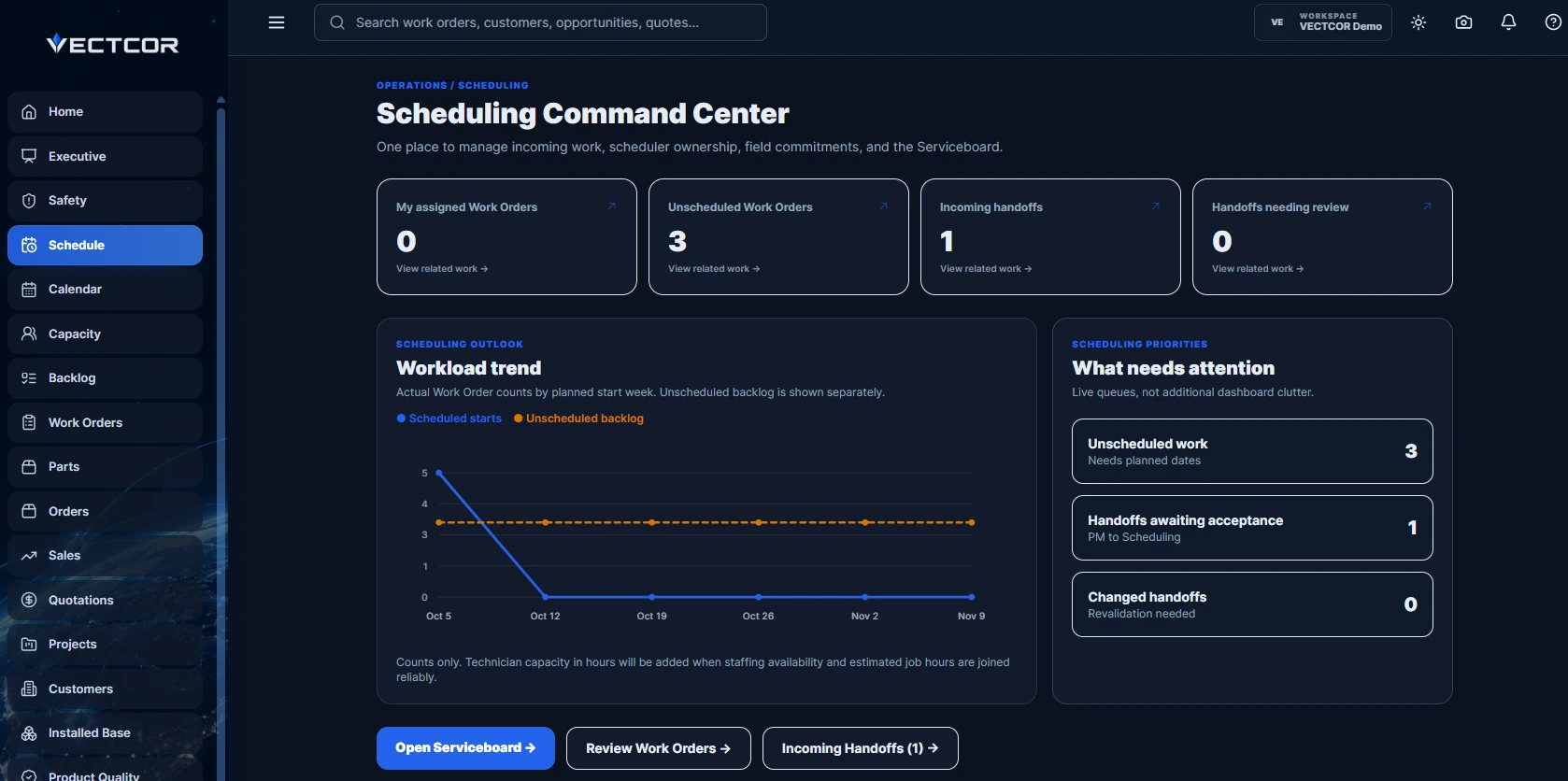
Field operations
Give the next visit a service history.
Technicians can open the equipment record, follow the work order, record their time, and capture closeout evidence. Managers can review the completed visit before it moves to billing.
Book a field operations walkthrough